
Piano Fire — Game Guide
Tap the fire tiles to play exciting music in this rhythm game. Free, instant to start, plays in any browser — no download or account required.
▶ Play Piano Fire FreeWhat is Piano Fire?
Piano Fire drops you straight into the action. Tap the fire tiles to play exciting music in this rhythm game, and it all runs right in your browser tab.
Since it's HTML5-based, you can play on your phone during a commute or on a desktop when you're supposed to be working. We won't judge.
We've got a whole arcade section if you want more after this one. All free, all instant.
Quick Facts
Genre
Arcade
Platform
Browser (any device)
Cost
Free
Download
None
Controls
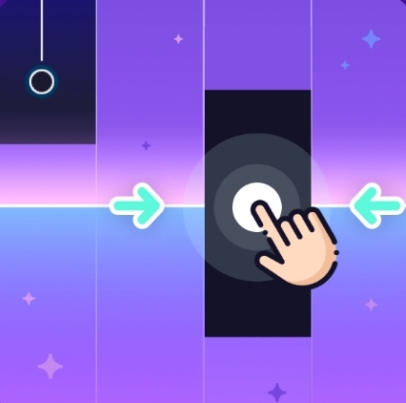
Tap the black tiles as they scroll down. Do not tap white tiles or miss any black ones.
Most things are pretty intuitive once you start playing. If something feels off, the first level usually doubles as a tutorial.
Tips for New Players
- Use multiple fingers — at higher speeds, one finger cannot keep up.
- Focus your eyes on the middle of the screen, not where tiles appear or where you tap.
- Start with slow songs to build accuracy. Speed comes after you stop making mistakes.
- If you keep missing a section, it is probably a rhythm issue. Listen to the music and tap to the beat, not to what you see.
Similar games on JojoXFun





Ready to give it a try?
▶ Play Piano Fire Now